
Your website is the first table a guest sits at
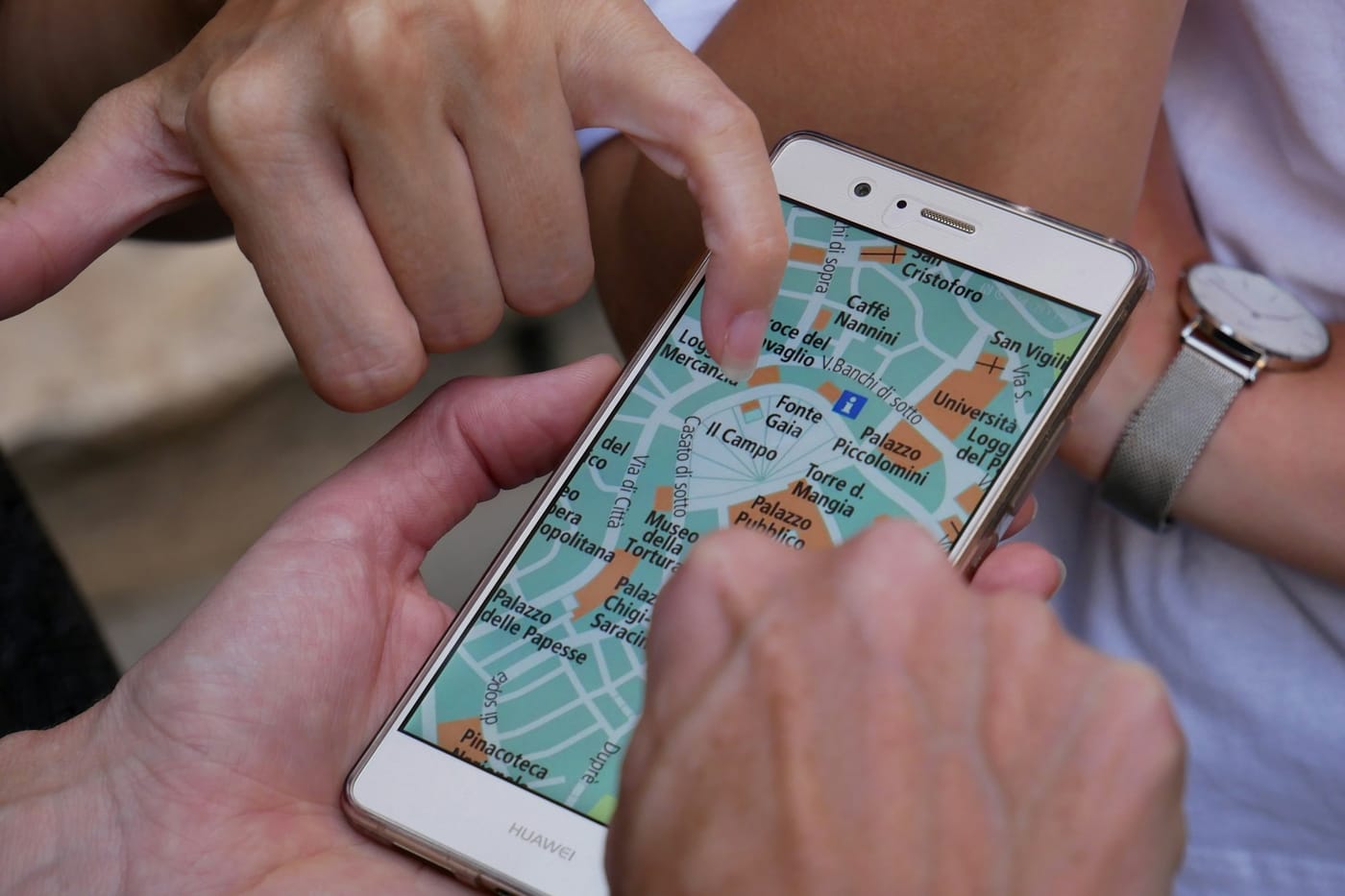
Before most guests walk through your door, they visit your restaurant on a phone. They look you up after a friend mentions you, after spotting you on Google Maps or while deciding where to eat tonight. In those few seconds they want three things: what the food looks like, whether you are open and how to book or order.
If the answers are hard to find, they leave. Not to a competitor’s website, usually, but back to Google, to a delivery app or to the next restaurant on the map.
Good restaurant website design is not about looking impressive on a big screen in the office. It is about turning that quick visit on a phone into a booking or an order.
Nine things that turn visitors into guests
1. Booking and ordering on every page
The most important thing your website can do is take a booking or an order. Put a clear “Book a table” and “Order online” button at the top of every page, and keep it visible as people scroll. If the button sends guests to a different website, some will not come back.
2. Built for phones first
Most restaurant searches happen on a phone, often outside, often in a hurry. Design for a small screen first: big buttons, short sections and text you can read without zooming. Check your site on your own phone, on mobile data, before you check it on a laptop.
3. Fast to load
A heavy site full of large images and videos can take seconds to appear on a phone, and people do not wait. Compress your photos, avoid autoplaying sound and keep pages simple. If your site feels slow on your own phone, it is slower for guests on a busy street.
4. A menu that is a web page, not a PDF
PDF menus are hard to read on a phone, cannot be found by search engines and are usually out of date. Put your menu on the page as text with prices, dietary labels and allergens. When it changes, update it once and it should change everywhere.
5. Opening hours that match Google
Nothing loses a guest faster than turning up to a closed door. Your website, your Google Business Profile and your booking system should all show the same hours, including holidays. Changing hours in three places is how they get out of step.
6. Photos of your real food and room
Stock photos make every restaurant look the same. Use real photos of your best dishes, your dining room and your team, taken in good light. They do not need to be professional, but they need to be honest and recent.
7. Clear location and contact details
Show your address, a map link, parking or transport tips and a phone number people can tap to call. If you have more than one site, give each one its own section or page.
8. Answers before guests have to ask
Most calls a restaurant gets are the same questions: are you open, do you have vegan options, can you do a party of twelve, is there parking. Answer them on the site. A chat assistant that knows your menu and booking rules can answer the rest at any time of day.
9. Built so search engines understand it
Use your restaurant’s name, area and cuisine naturally in your page titles and headings, so people searching for “Thai restaurant in Leith” can find you. A fast site with a real menu page and accurate details does most of the work.
What a website costs to run
Many restaurants pay a designer once for a site, then pay again every time a menu, price or photo needs changing. Others pay for a website builder, a separate booking widget and a separate ordering page, each with its own monthly bill and login.
Before you redesign, add up what you spend on your website, booking system and ordering platform each year, and how often each one goes out of date. The best design choice is often fewer tools that share the same menu and hours.
Measure whether it works
Your website’s job is bookings and orders, so measure those. Track how many bookings and direct orders start on the website each month, and how many visitors reach the booking or ordering page and then drop off. If people reach the menu but not the booking button, the problem is the layout, not the traffic.
Growtality’s restaurant websites are designed for your restaurant, fast on phones and built with booking and ordering on every page. They use the same menu and hours as the rest of the platform, so a change made once shows up everywhere, and Grow AI can answer guests’ questions on the site around the clock.
Try Growtality free for 14 days and see what your website could book while you cook.
Questions owners ask
What should a restaurant website include?
Book and order buttons on every page, a design built for phones first, a fast load time, a text menu with prices and allergens, opening hours that match Google, real photos, clear location and contact details, and answers to common questions.
Should a restaurant menu be a PDF?
No. PDF menus are hard to read on a phone, can't be read properly by search engines and are usually out of date. Put the menu on the page as text, with prices, dietary labels and allergens.
How do I make my restaurant website show up on Google?
Use your restaurant's name, area and cuisine naturally in page titles and headings, keep the site fast on phones, match your opening hours and details to your Google Business Profile, and keep the menu as text.