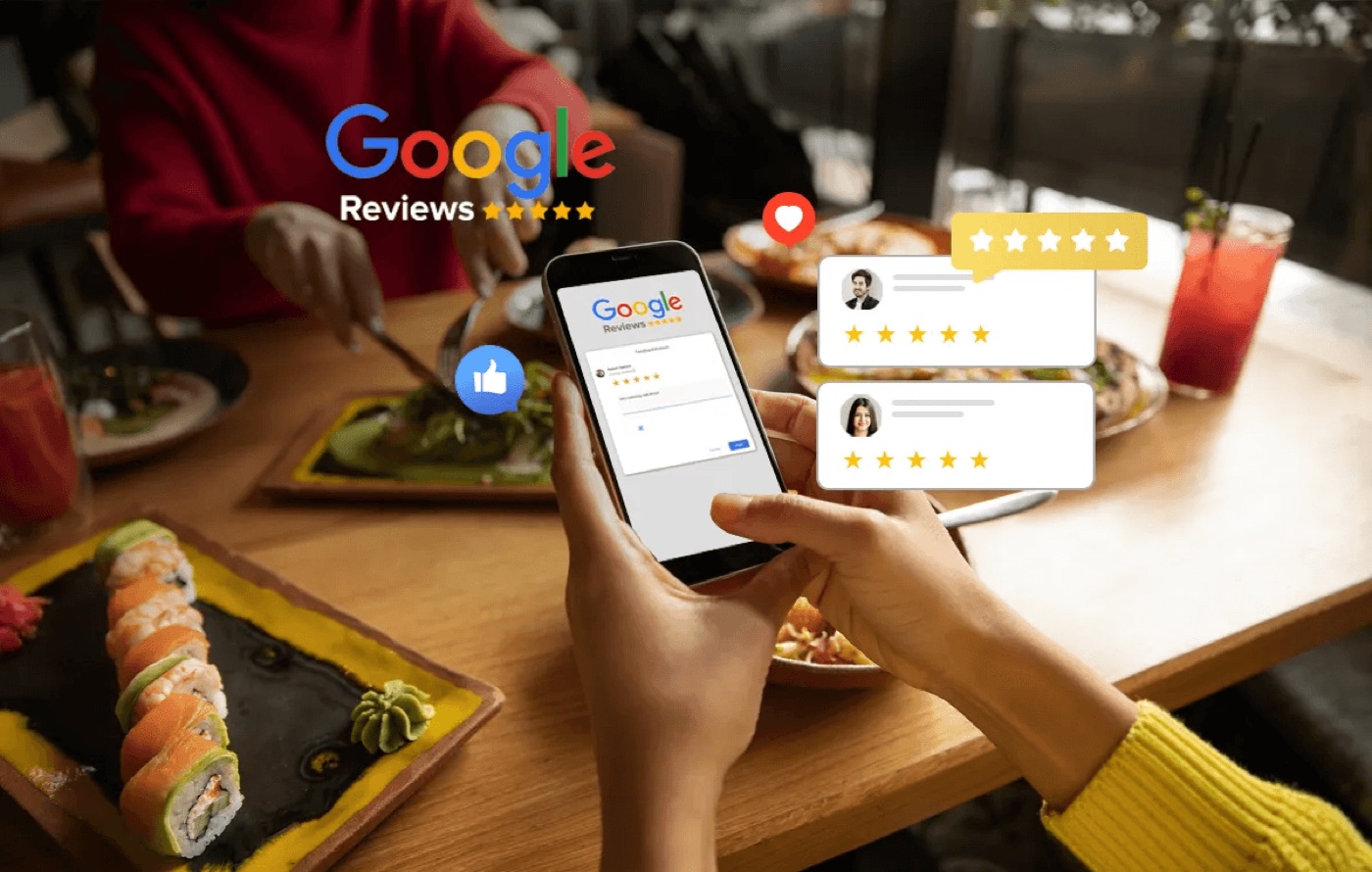


Happy guests are quiet guests
A table of four has a lovely evening. They tip, say thank you on the way out and tell friends about it the next week. What they almost never do is open Google and write a review. The guest whose main course came out cold is more likely to.
That gap is why so many good restaurants have a rating that undersells them. Reviews are not a fair sample of your guests. They over-represent the people with something to complain about, and the people who are happy simply move on with their day.
The fix is not to chase five-star reviews. It is to ask every guest, at the right moment, in a way that makes leaving a review easy. Done properly, the reviews you get start to reflect the restaurant you actually run.
First, the rules
Before you ask anyone for a review, it is worth knowing what is and is not allowed, because the penalties are real.
Google’s policy for reviews on Maps says businesses can encourage reviews that reflect a genuine experience, but must not:
- offer incentives such as payment, discounts or free food in exchange for a review
- discourage negative reviews, or selectively ask only happy customers to review you
- pressure guests to leave a review while they are still on the premises, or ask them to include specific content
In the UK, the Digital Markets, Competition and Consumers Act made fake reviews and concealed incentivised reviews unlawful from 6 April 2025. The CMA’s guidance on fake reviews also covers businesses that hide or suppress genuine negative reviews to give a misleading picture.
In practice, that means one clear rule: send the same review request to every guest, and never offer a reward for it.
How to get more Google reviews, the right way
Ask at the right moment
The best time to ask is soon after the visit, while the meal is still fresh: the same evening or the next morning. A week later, the moment has gone. For takeaway and delivery, ask shortly after the order arrives.
Make it one tap
Every extra step loses people. Send a message with a direct link that opens your Google review form, not your homepage or a search result. On a phone, the guest should be able to tap, choose a star rating and type a sentence in under a minute.
Ask everyone, every time
Automate the request so it goes to every guest who booked or ordered, rather than relying on staff to remember on busy nights. Automation is also what keeps you on the right side of the rules: the request does not depend on who seemed happy at the table.
Keep the message short and human
“Thanks for coming in tonight. If you have a minute, we’d love to hear how it went” works better than a long note. Use the guest’s name and your restaurant’s voice. Do not ask for five stars or tell them what to write.
Give unhappy guests a way to tell you directly
Some guests have a problem but would rather not post about it in public. Offering a private feedback option alongside the Google link gives them somewhere to go, and gives you the chance to put it right the next day.
The important word is alongside. Every guest should see both the public review link and the private option, in the same message. Sending only happy guests to Google and everyone else to a private form is exactly the selective soliciting that Google’s policy prohibits.
Reply to every review
Replying shows future guests that someone is listening. Thank people for positive reviews by name and mention something specific. For negative reviews, reply calmly, acknowledge the problem, explain what you have done about it and invite them to get in touch. Never argue in public.
Reply within a day or two if you can. A thoughtful reply to a three-star review often does more for your reputation than another five-star review.
What changes when you ask everyone
Imagine a restaurant serving 600 covers a week that currently gets two or three reviews. If a post-visit message reaches 300 bookers and only 5% leave a review, that is 15 reviews a week instead of three, and most of them from guests who had a perfectly good time. Over a few months, your rating starts to reflect the whole dining room rather than its worst nights.
Track your review count, average rating and reply rate each month, and look at what people mention. Reviews are free feedback on your food, service and timing.
Growtality’s review tools send every guest a review request after their visit, with a private feedback option alongside, and let you monitor and reply to Google reviews from the same dashboard as your bookings and guest profiles. Feedback is saved to the guest’s profile, so your team knows the history next time they book.
Try Growtality free for 14 days and start hearing from every guest, not just the loudest.
Questions owners ask
What's the best way to get more Google reviews for a restaurant?
Ask every guest, soon after the visit, with a short message containing a direct link to your Google review form. Automating the request so it reaches everyone who booked or ordered works far better than relying on staff to remember.
Can restaurants offer incentives for Google reviews?
No. Google's policy doesn't allow businesses to offer incentives for reviews or to ask only happy guests to post. You can encourage reviews that reflect a genuine experience, as long as every guest gets the same request.
Should restaurants reply to every Google review?
Yes. Replies show future guests that someone is listening. Thank positive reviewers with a specific detail, and answer criticism calmly: acknowledge the problem, explain what you've done and invite them to get in touch directly.